
Stay updated with our letter
Valuable perspectives on the latest trends and tips.



part 2 of Context Engineering with Claude Skills for Product Discovery


37 patterns that determine how Claude processes your product discovery Skills
These patterns address what happens when your Skill actually runs: how Claude handles tool failures, manages conditional logic, processes boundary cases, and determines when work is complete. This is where reliability separates working Skills from inconsistent ones.
I’ve rigorously tested these patterns across complex product workflows: legal and compliance research, creation of test cards and hypotheses, product roadmaps, OKR monitoring, competitive analysis, user research synthesis, and more. Below, I distill the 37 patterns into 4 strategic pillars:
1. Core structure
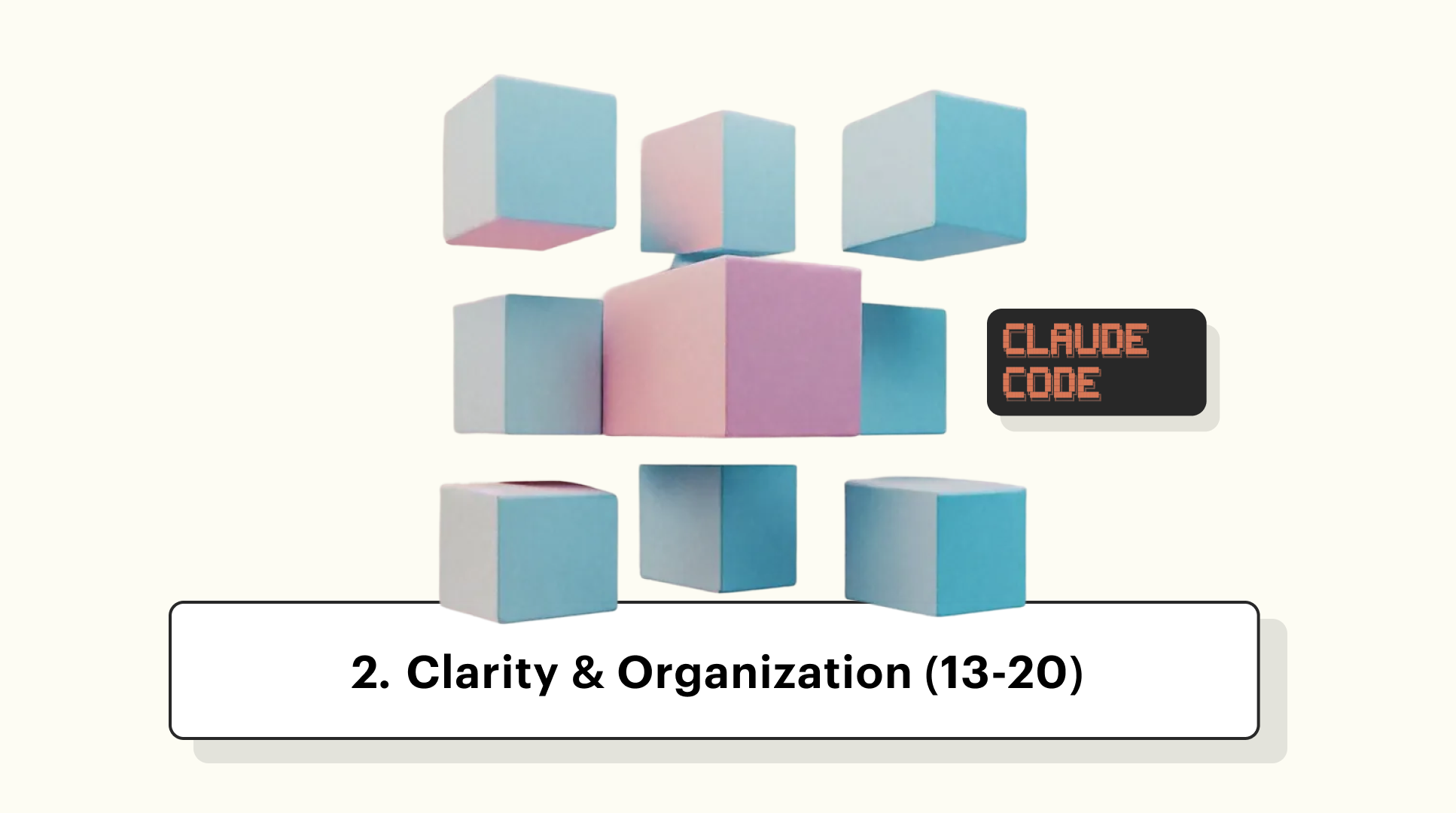
2. Clarity & Organization
3. Execution & Control flow
4. Completion & Quality

13. File length and context management
Keep skills under 500 lines for better attention quality. Longer files mean Claude has to parse more context to find relevant instructions.
❌ Everything in one massive file:
Single 1500-line skill with:
- Domain knowledge embedded inline
- Quality examples embedded inline
- All templates embedded inline
- All reference materials embedded inline
✅ Modular approach with references:
Main skill: 300 lines with clear structure

References external files:
- /knowledge-base/domain-context.md
- /examples/quality-standards.md
- /examples/doc-templates/confluence-template.md

Use: docker-desktop-mpc:obsidian_get_file_contents to load when needed
How this helps Claude's processing:
✦ Shorter files are easier to parse quickly
✦ Clear separation between instructions and reference materials
✦ Better attention on critical workflow logic
✦ References can be loaded on-demand when specific context is needed
14. Terminology consistency
Use the same terms throughout for the same concept (no vocabulary variation). Vocabulary variation creates uncertainty about whether you mean the same action or different actions.
Apply consistency to:
✦ Tool names: Always “docker-desktop-mpc:confluence_create_page” (not “Confluence tool” or “page creator”)
✦ Actions: Always “upload” (not “upload”, then “save”, then “store”)
✦ Entity names: Always “PM-Compliance Agent” (not “compliance agent”, “PM agent”, “Subagent A”)
✦ File types: Always “recording” (not “recording”, then “video”, then “media file”)
❌ Varying vocabulary:
Step 1: Upload the document to storage
Step 2: Push the file to the repository
Step 3: Save the content to the archive
Step 4: Transfer the data to cloud storage
Are these 4 different actions or the same action?
✅ Consistent terminology:
Step 1: Upload the document to Google Drive
Step 2: Upload the analysis report to Google Drive
Step 3: Upload the transcript to Google Drive
Step 4: Upload the final output to Google Drive
Clearly the same action in different contexts
15. Clear antecedents for pronouns
Avoid ambiguous “it”, “this”, “that” by repeating the noun when there’s any chance of confusion.
❌ Ambiguous pronouns:
After the agent completes the analysis and generates the report,
upload it to Confluence.
(Upload what? The analysis or the report?)

The compliance research produced citations and risk assessments.
Make sure to include them in the output.
(Include what? Citations only? Risk assessments only? Both?)

When you finish the transcript and extract insights, save it to Obsidian.
(Save what? The transcript or the insights?)
✅ Clear antecedents:
After the agent completes the analysis and generates the report,
upload the report to Confluence.

The compliance research produced citations and risk assessments.
Make sure to include both citations and risk assessments in the output.

When you finish the transcript and extract insights,
save the transcript to Obsidian.
When to repeat the noun:
✦ Multiple nouns in preceding sentence
✦ Several sentences between reference and pronoun
✦ Different actions apply to different objects
✦ Any possibility of confusion
16. One instruction per line
Break complex instructions into separate items. Don’t cram multiple requirements into long run-on sentences.
❌ Long run-on instruction:
Before creating the file, verify the name follows snake_case
format and doesn't exceed 255 characters and contains no special
characters except underscores and hyphens and isn't a duplicate
of an existing file and the extension matches the content type.
✅ Broken into separate items:
Before creating the file, verify ALL items:
- Name follows snake_case format
- Name doesn't exceed 255 characters
- Name contains no special characters except underscores and hyphens
- Name is not a duplicate of existing file
- Extension matches content type (.md for markdown, .txt for text)
This also applies to conditional logic
❌ Complex single-line conditional:
IF the user provides a hypothesis AND recordings are available AND
transcripts are successfully generated AND insights are extracted THEN
validate the hypothesis.
✅ Broken down:
Hypothesis validation requirements (ALL must be true):
- User provided a hypothesis in Stage 1
- Recordings are available in Google Drive
- Transcripts successfully generated
- Insights extracted from transcripts

IF all requirements met THEN validate hypothesis
IF any requirement not met THEN skip hypothesis validation section
17. Limit nesting depth in conditionals
Keep IF/THEN logic to 2–3 levels maximum. Deeper nesting becomes difficult to track accurately.
❌ Deep nesting (4+ levels):
IF Mode A workflow THEN
  IF recordings found THEN
    IF transcription succeeds THEN
      IF insights extracted THEN
        IF hypothesis provided THEN
          validate hypothesis
✅ Flattened logic:
Hypothesis Validation Prerequisites:
- Mode A workflow active
- Recordings found and transcribed
- Insights extracted successfully
- Hypothesis provided in Stage 1

IF all prerequisites met THEN validate hypothesis
IF any prerequisite fails THEN skip hypothesis validation
Alternative flattening with early returns
✅ Early exit pattern:
Hypothesis Validation:

IF Mode B workflow THEN skip hypothesis validation (no user research)
IF no hypothesis provided THEN skip hypothesis validation

IF recordings not found THEN
  - Note: "No user research data available"
  - Skip hypothesis validation

IF transcription failed THEN
  - Note: "Insufficient data for validation"
  - Skip hypothesis validation

IF insights extracted THEN
  - Proceed with hypothesis validation
18. Explicit tool call examples
Show exact MCP tool call format with parameters. Don't just name the tool, but demonstrate how to call it.
❌ Vague tool reference:
Use the Confluence tool to create a page.
❌ Tool name only:
Use: docker-desktop-mpc:confluence_create_page
✅ Complete example with parameters:
Use MCP tool: docker-desktop-mpc:confluence_create_page

REQUIRED Parameters:
- space_key: "PRODUCT" (use actual project space key)
- title: "[Feature Name] - Archives Act Research"
- content: [full markdown string with consolidated research]
- parent_id: "123456" (optional - omit if no parent page)

Example call:
docker-desktop-mpc:confluence_create_page(
  space_key="PRODUCT",
  title="Document Retention Feature - Archives Act Research",
  content=markdown_content_variable,
  parent_id="123456"
)
This applies to all MCP tools
✅ Google Drive search example:
Use MCP tool: google_drive_search

Parameters:
- api_query: "document retention Archiefwet Netherlands"
- semantic_query: "Archives Act compliance requirements retention period"
- page_size: 10

Example call:
google_drive_search(
  api_query="document retention Archiefwet Netherlands",
  semantic_query="Archives Act compliance requirements retention period",
  page_size=10
)
19. Explicit sequencing when order matters
Use numbered steps when order is critical, bullets when order doesn’t matter.
❌ Bullets when order matters:
Document Processing:
- Generate output report
- Analyze retrieved documents
- Search Google Drive for documents
- Load domain context
✅ Numbers when order is critical:
Document Processing (execute in order):
1. Load domain context from /knowledge-base/
2. Search Google Drive for documents
3. Retrieve documents from search results
4. Analyze retrieved documents
5. Generate output report
❌ Numbers when order doesn’t matter:
Validation Requirements (check in this order):
1. File format is supported
2. User has permissions
3. Content is not empty
4. Filename is valid
✅ Bullets when order doesn’t matter:
Validation Requirements (check all items):
- File format is supported
- User has permissions
- Content is not empty
- Filename is valid
Clear sequencing signals
For ordered steps:
Execute in this exact order:
1. First action
2. Second action
3. Third action

NEVER execute step 3 before step 1 completes.
For unordered requirements:
Verify ALL items (any order):
- Requirement A
- Requirement B
- Requirement C
20. Avoiding context switches
Group related instructions together (don’t jump between topics).
❌ Scattered topics:
Step 1: Search Google Drive for documents
Step 2: Format citations using this style: [Title] | [Section] | [Page]
Step 3: Retrieve documents from search results
Step 4: Use snake_case for all filenames
Step 5: Extract obligations from documents
Step 6: Create Confluence page with space_key="PRODUCT"
Step 7: Validate that citations include page numbers
✅ Grouped by topic:
<document_retrieval>
1. Search Google Drive for documents
2. Retrieve documents from search results
3. Validate document format and accessibility
</document_retrieval>

<document_analysis>
1. Extract obligations from documents
2. Format citations using: [Title] | [Section] | [Page]
3. Validate that all citations include page numbers
4. Assign risk levels to each obligation
</document_analysis>

<output_creation>
1. Use snake_case format for all filenames
2. Generate structured output with all sections
3. Create Confluence page with space_key="PRODUCT"
</output_creation>
How grouping helps Claude’s processing:
✦ Related context stays together in working memory
✦ Clear mental model of what each phase accomplishes
✦ Easier to reference back to related instructions
✦ Reduces cognitive load from topic switching
Grouping strategies:
✦ By workflow phase (preparation, execution, output)
✦ By data source (Google Drive operations, Obsidian operations, Jira operations)
✦ By functional concern (validation, transformation, documentation)
✦ By agent role (what PM-Compliance does vs what UX-Researcher does)